


Great Ideas Interactive Screens:
A Dynamic Gallery Resource
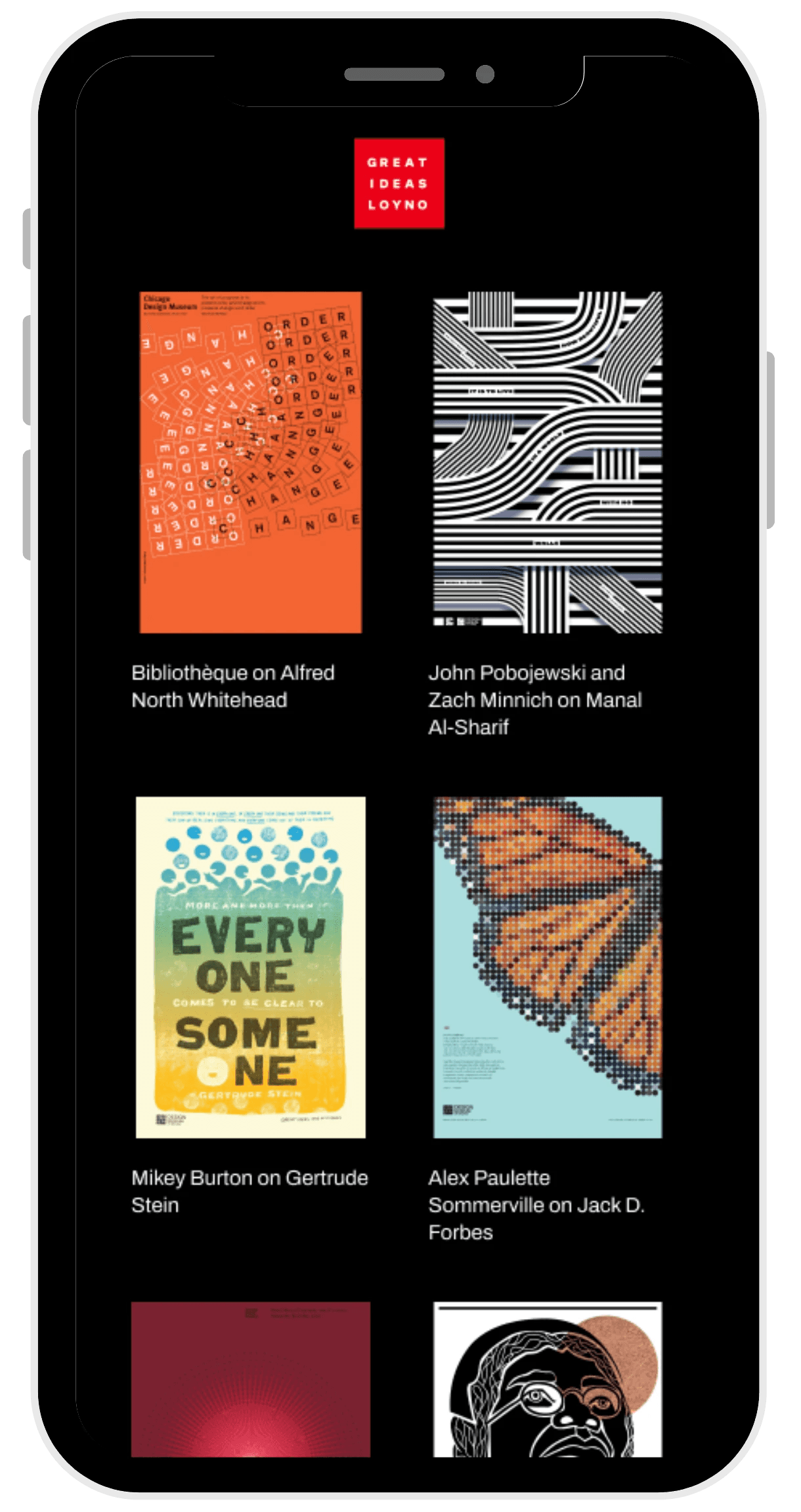
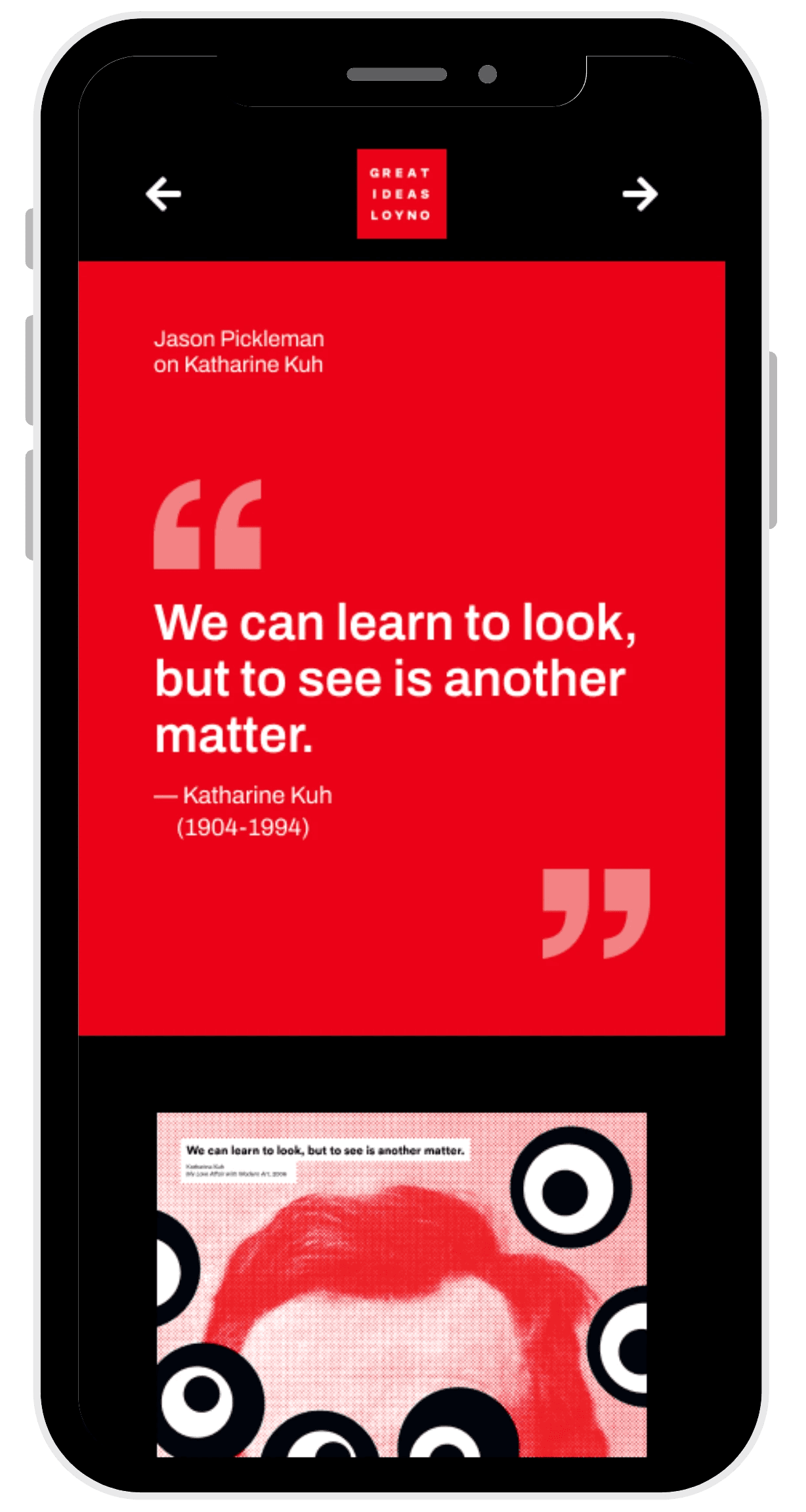
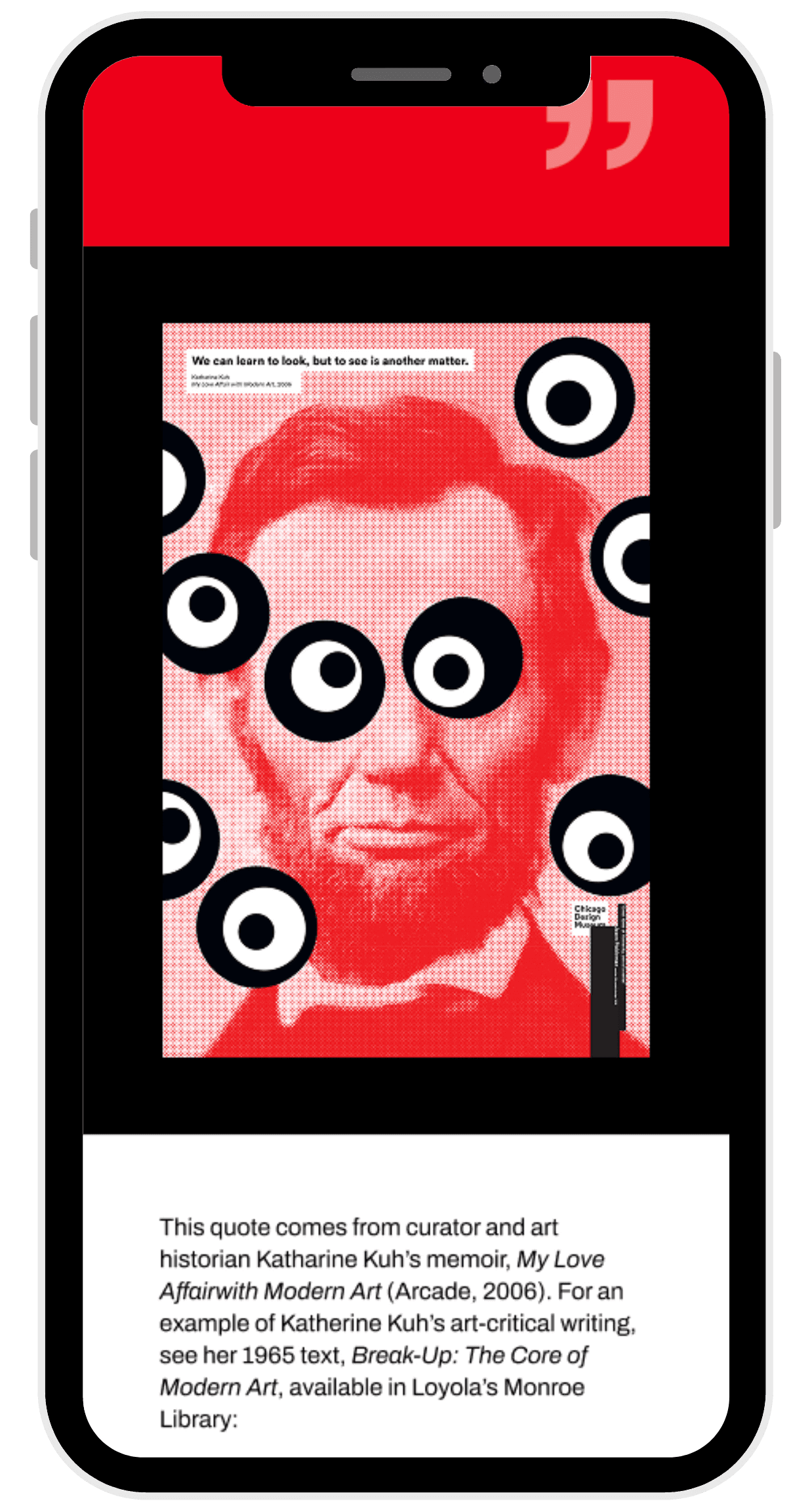
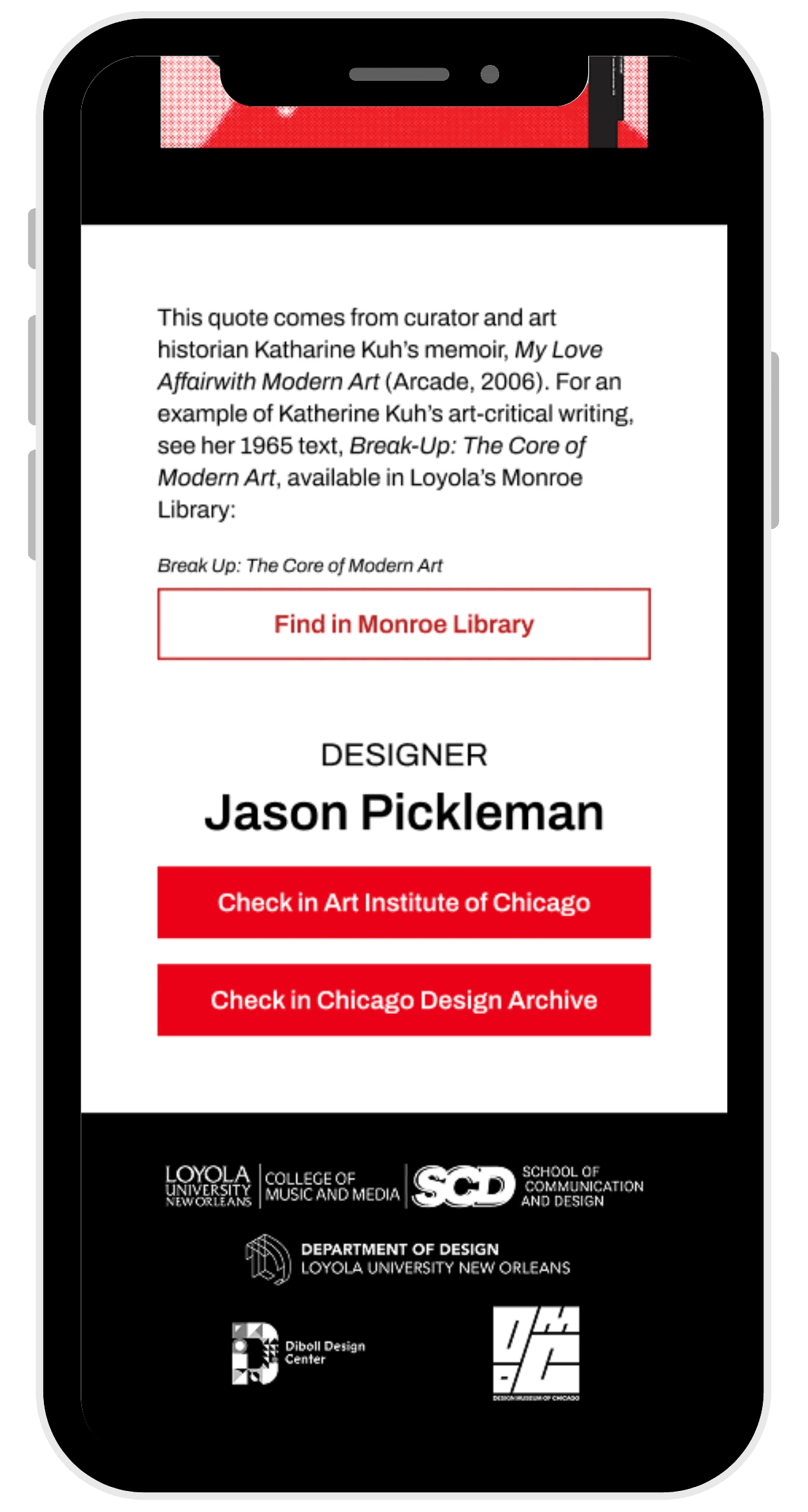
The Great Ideas of Humanity project was a group collaboration between Loyola University New Orleans and the Design Museum of Chicago. The goal was to design interactive app-like screens to accompany each of the 53 posters in the exhibit displayed in the Loyola University Diboll Design Center. Each screen provided information about the poster’s designer, the featured quote, the author of the quote, and external links to the designer’s portfolio and the source book for the quote. The audience for this project included museum visitors, design professionals, and potential employers or graduate programs evaluating our UX and visual design skills.
How did a good idea become a great idea?
Posters + QR Codes + Resources
Designing beyond the frame
Our goal for this project was to extend the Great Ideas of Humanity exhibition into a seamless digital experience that supported the physical posters. To achieve this, we closely followed the Design Museum of Chicago’s established brand identity, ensuring every screen felt like a natural extension of the traveling exhibit. We focused on delivering clear, concise information that expanded upon what visitors saw in the gallery, offering deeper context they could explore both in the moment and long after leaving the space. Intuitive navigation kept the interaction simple and unobtrusive, allowing the exhibition to remain the focal point. Finally, by incorporating links to the Monroe Library and each designer’s portfolio, we encouraged continued engagement and meaningful connections beyond the walls of the museum.
Where do great ideas come from?
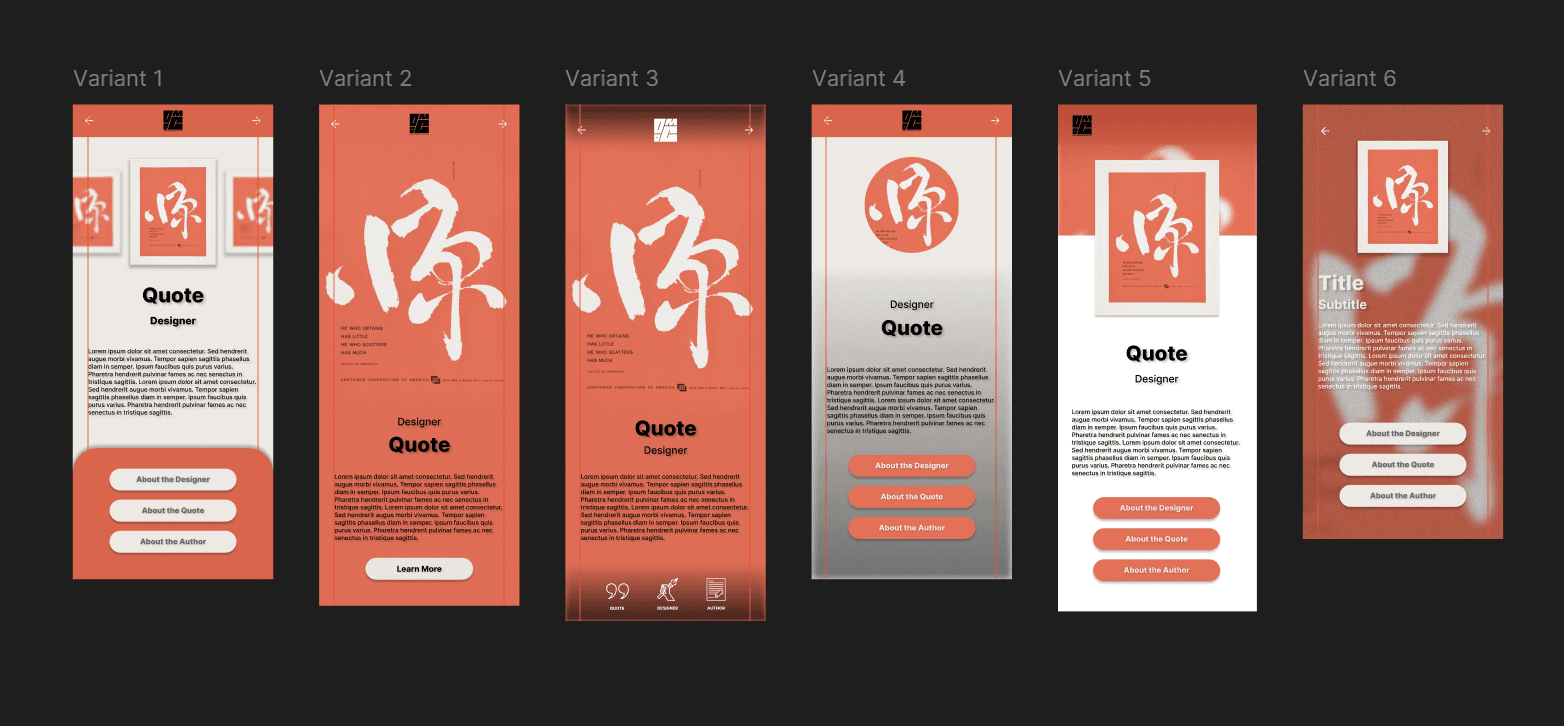
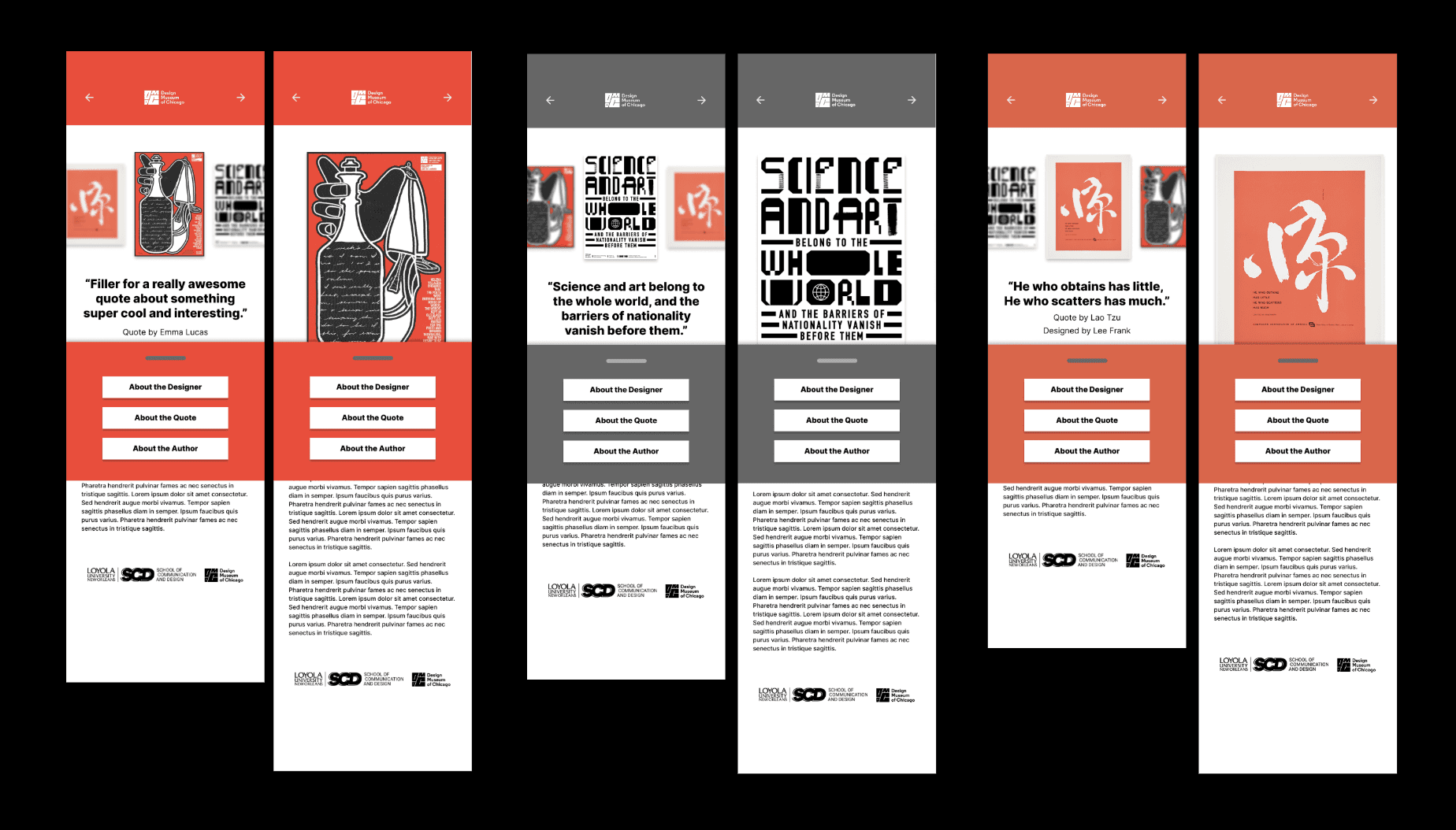
The first round of screen layouts was all about exploration: playing with structure, testing bold ideas, and seeing what stuck. We shared our variations in class, gathered feedback, and narrowed the options down to a single direction. From there, I kept pushing the design by introducing a drawer-style feature that groups key buttons in one spot, creating a cleaner, more streamlined interface.
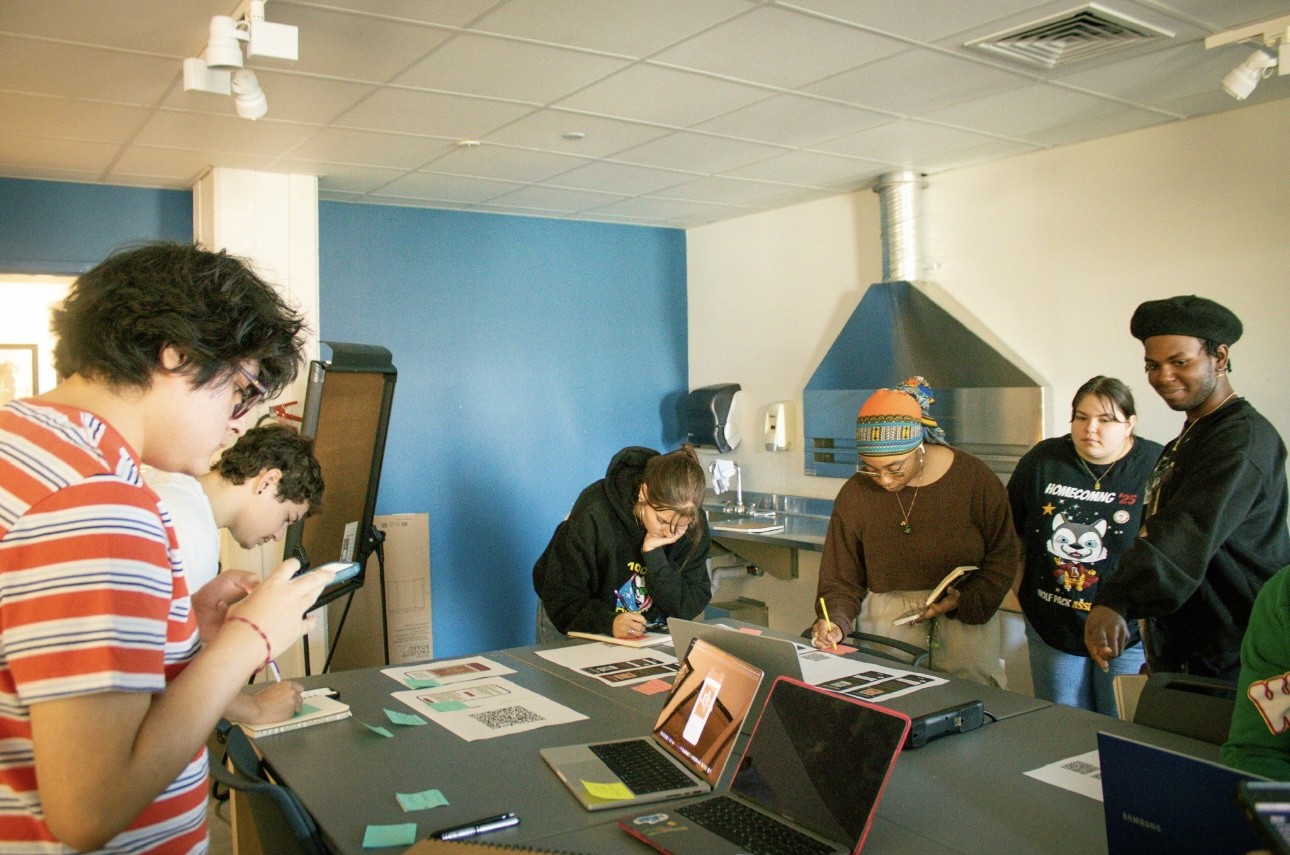

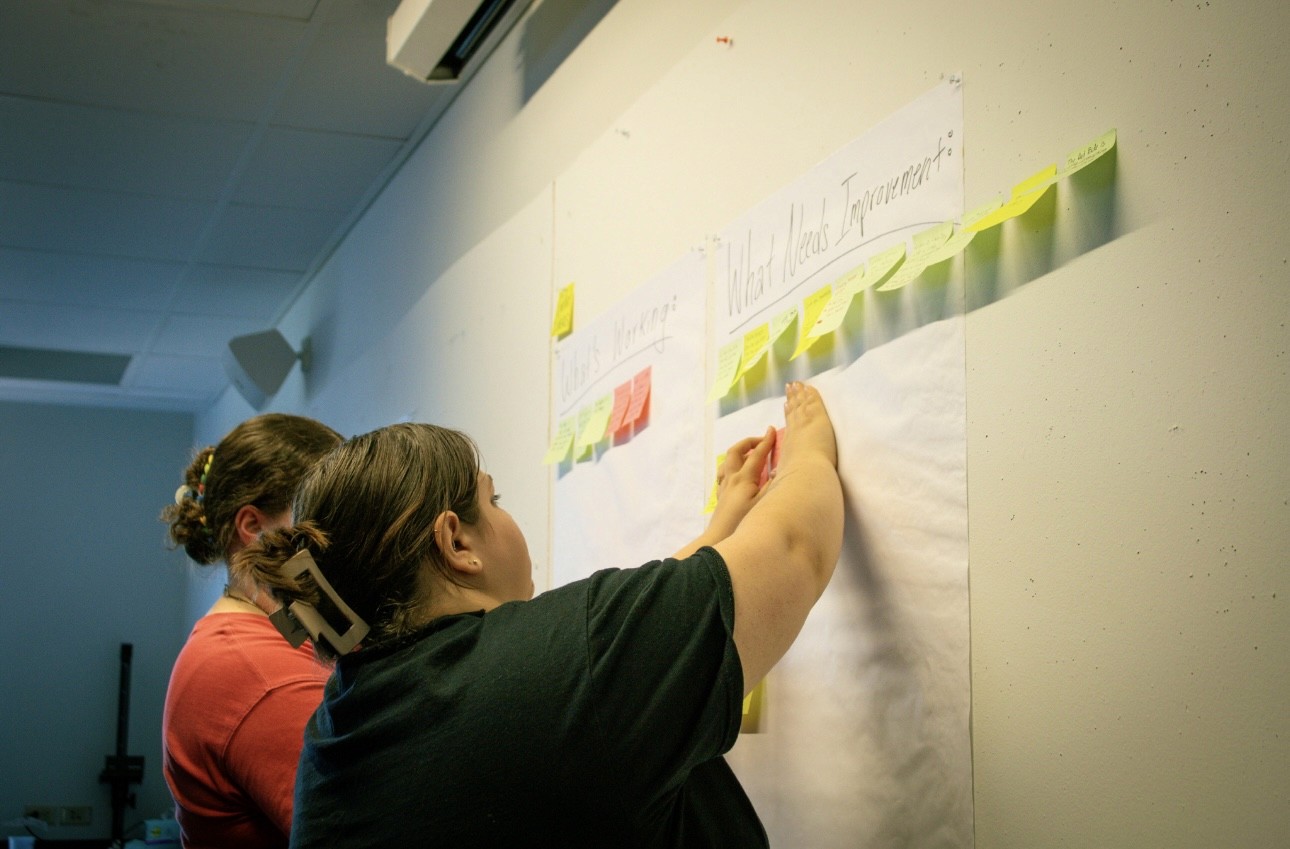
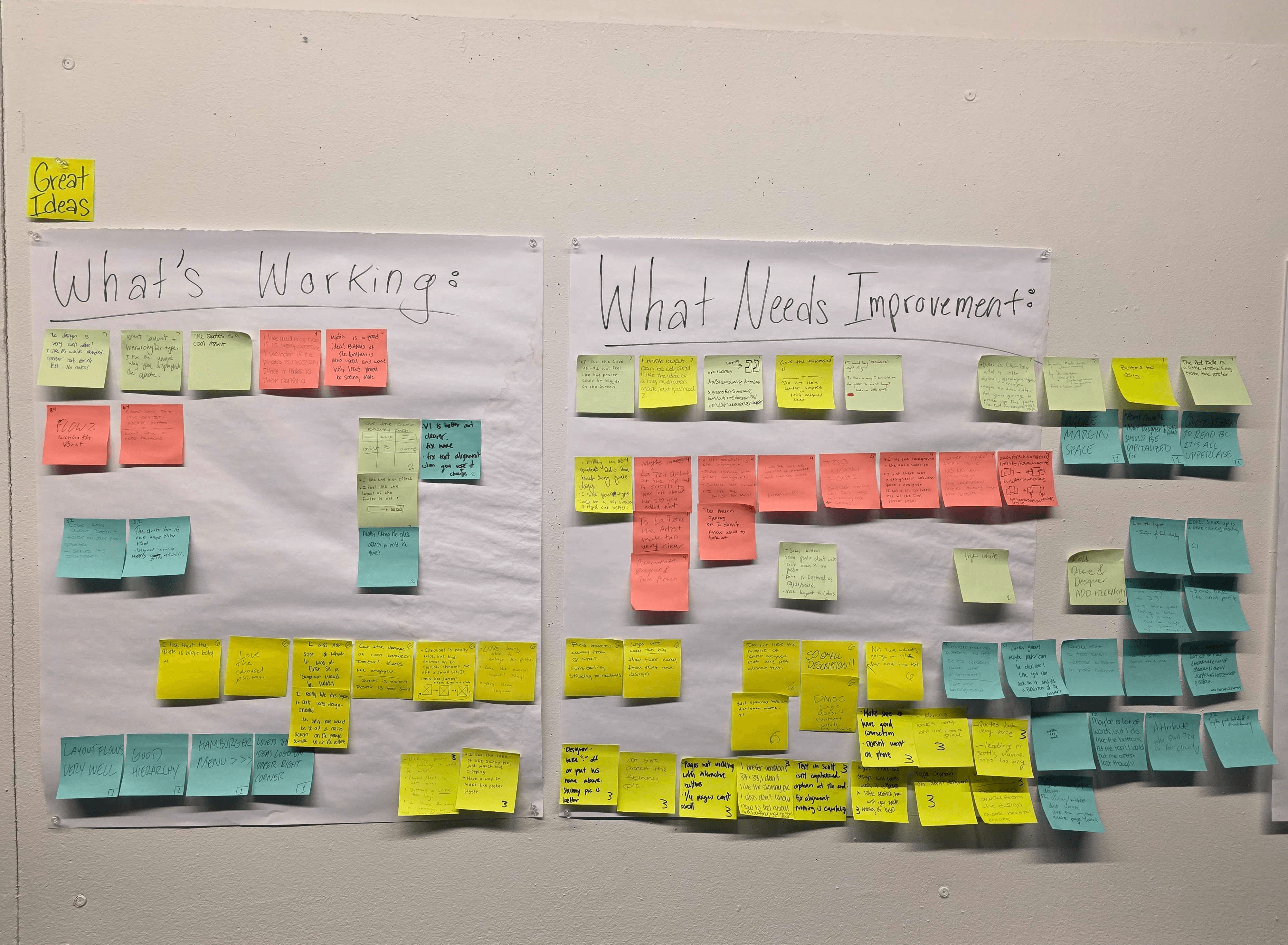
Put it to the test…
The great screen build-out
Once usability testing wrapped, we took the users’ votes and feedback and used them to lock in a final layout direction that merged the strongest, most successful features from across our designs. With a unified structure established, we shifted into system building mode, creating 53 individual screens to match the 53 posters in the exhibition. Our team divided responsibilities to streamline production, and my primary role focused on organization and content management. I separated the poster body copy into individual text boxes for cleaner implementation, renamed and structured frames to match poster numbers, checked every screen for spelling and layout errors, and helped track which pages were complete. I also assisted with content input using the shared libraries and text styles developed by my team members.
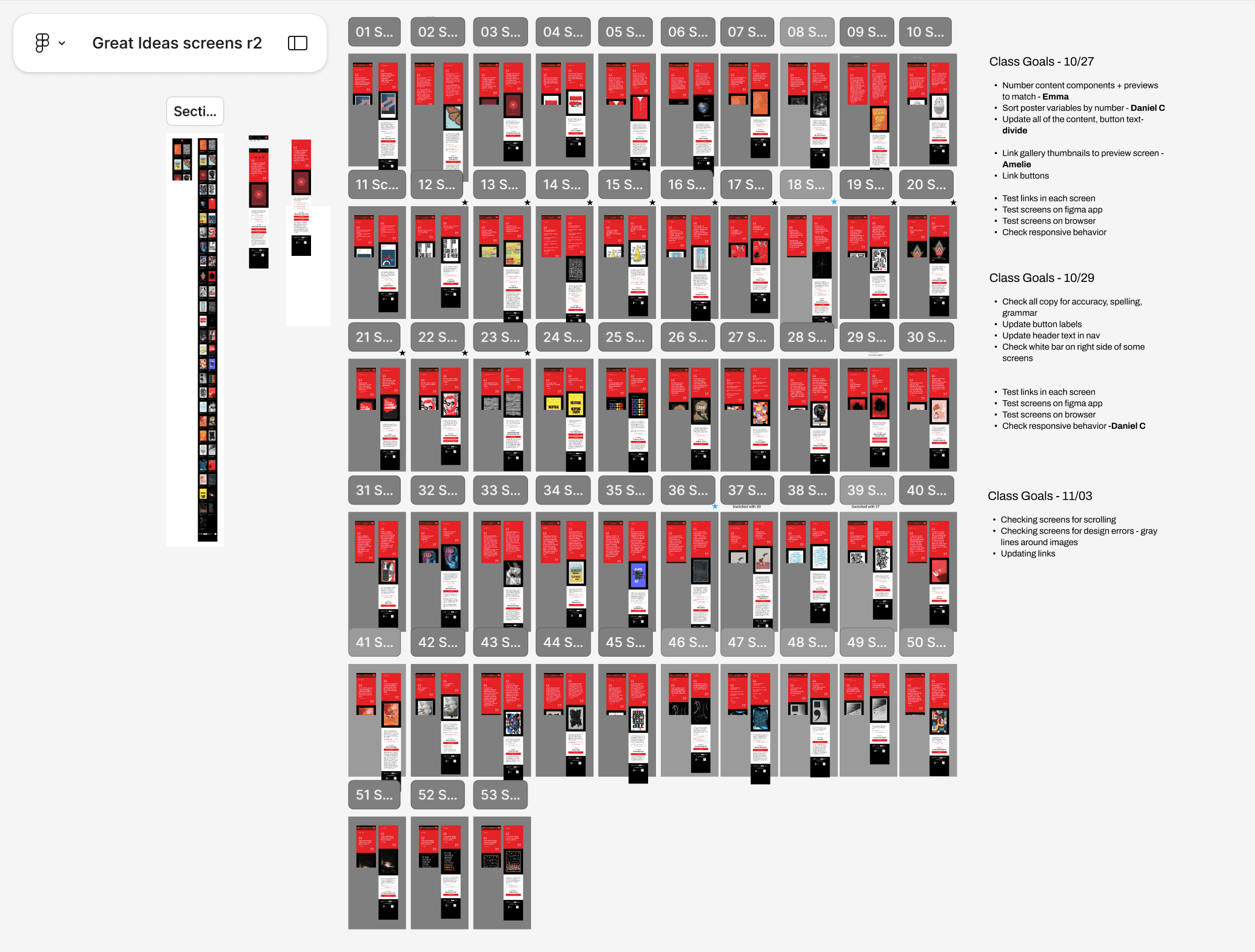
The final product of a great idea!
In the final production phase, our team split up responsibilities to efficiently bring all 53 screens to life. Some of us focused on inputting content, others ensured links and interactive elements worked correctly, and the rest refined transitions and navigation so the experience stayed smooth and consistent. By working in parallel and syncing through shared components, we created a cohesive system that not only enhances the exhibit but extends its impact. Visitors can revisit quotes, explore authors and designers, and carry the ideas beyond the gallery. The flexible component structure makes the system scalable for future digital exhibitions, and by highlighting each designer’s process, we reinforce the credibility and craft behind the work, especially in a time when AI art often overshadows human intention.